AI agents that ship to production
Transpera Chatbot as a Service is the chatbot management platform for configuring agents, connecting knowledge bases, managing capabilities, testing agents, deploying website widgets and viewing usage reports.
No credit card required. OAuth sign-in. Deploy a widget in minutes.
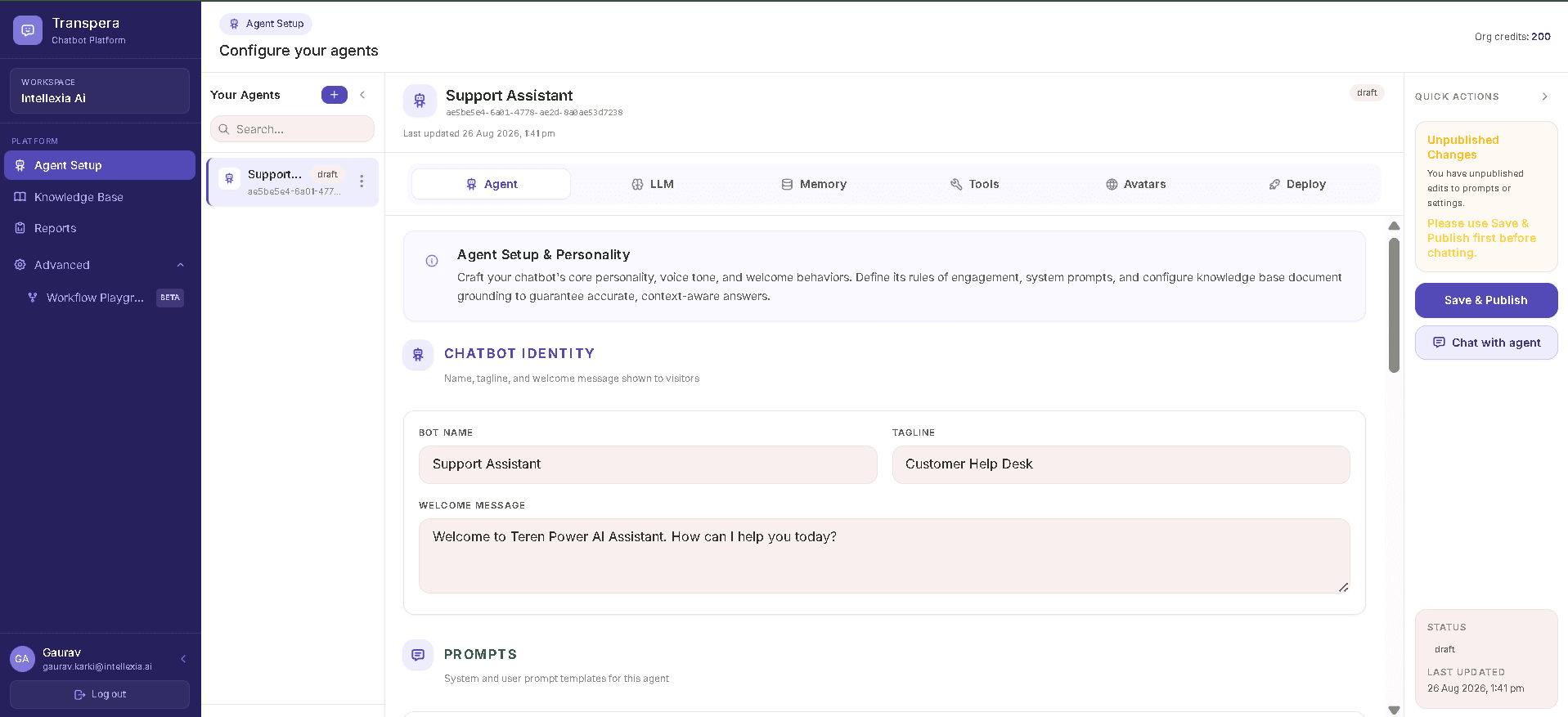
Workspace
Everything you need to run agents at scale
Manage multiple agents, publish changes safely and keep configuration organized inside a dedicated organization workspace.
- Multi-agent workspace
- OAuth with Google & Microsoft
- Explicit save & publish workflow
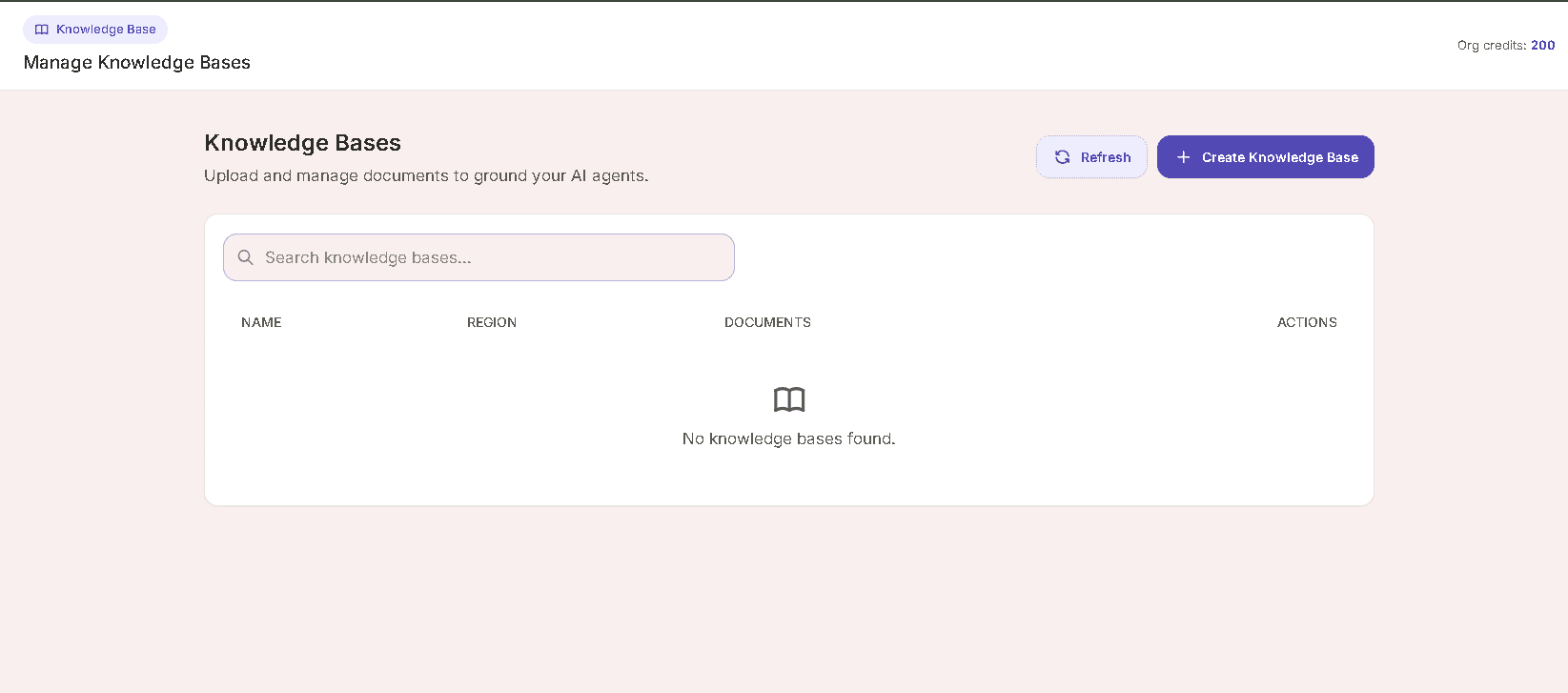
Knowledge
Ground every answer in your content
Create knowledge bases, upload documents and let agents pull the right context only when it matters.
- Document upload & management
- Conditional retrieval at runtime
- Search and refresh knowledge bases
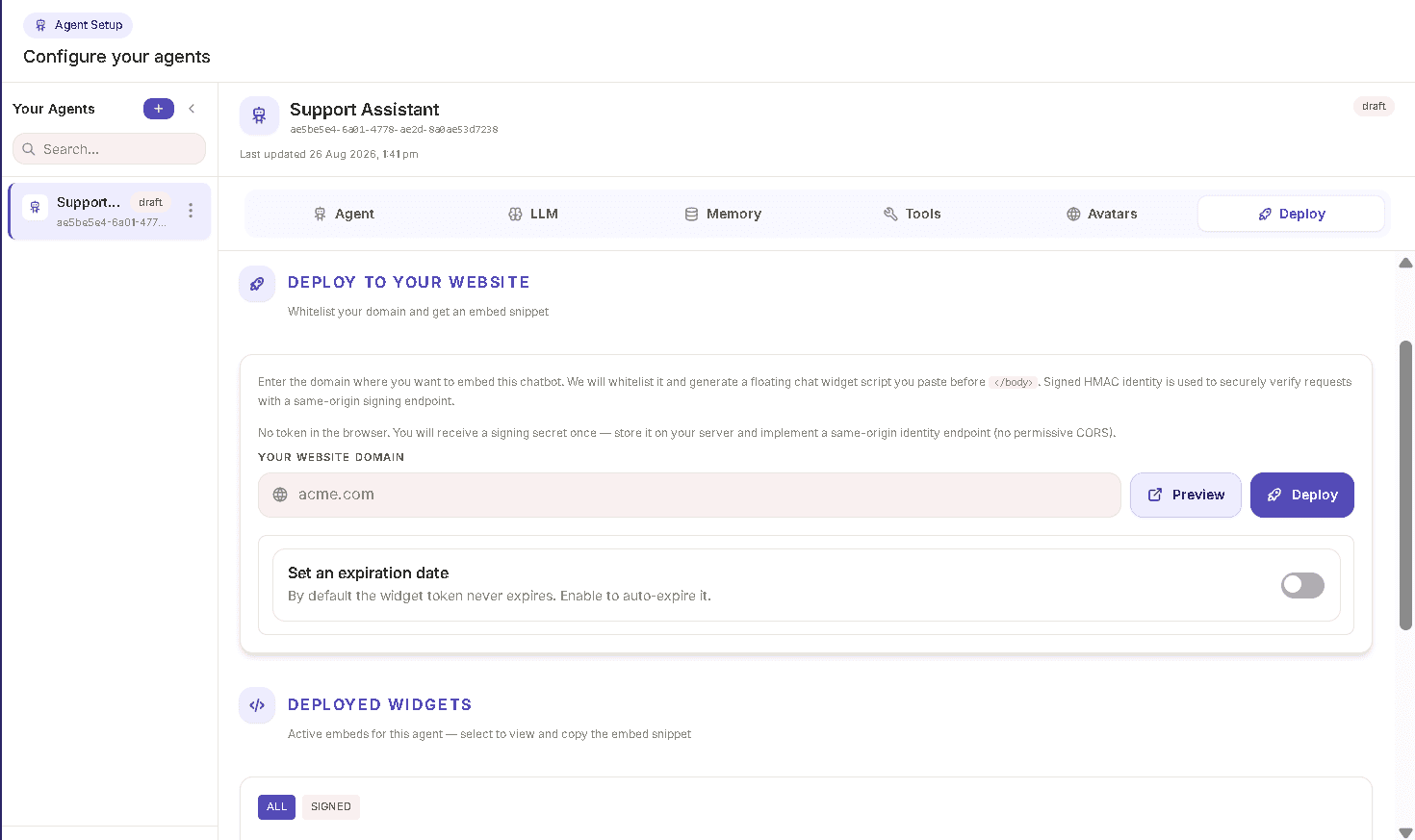
Deploy
Go live on your website in a few clicks
Enter your domain, whitelist it, preview the experience and drop the generated widget snippet into any site.
- Domain whitelisting
- Live widget preview
- Production-ready embed code
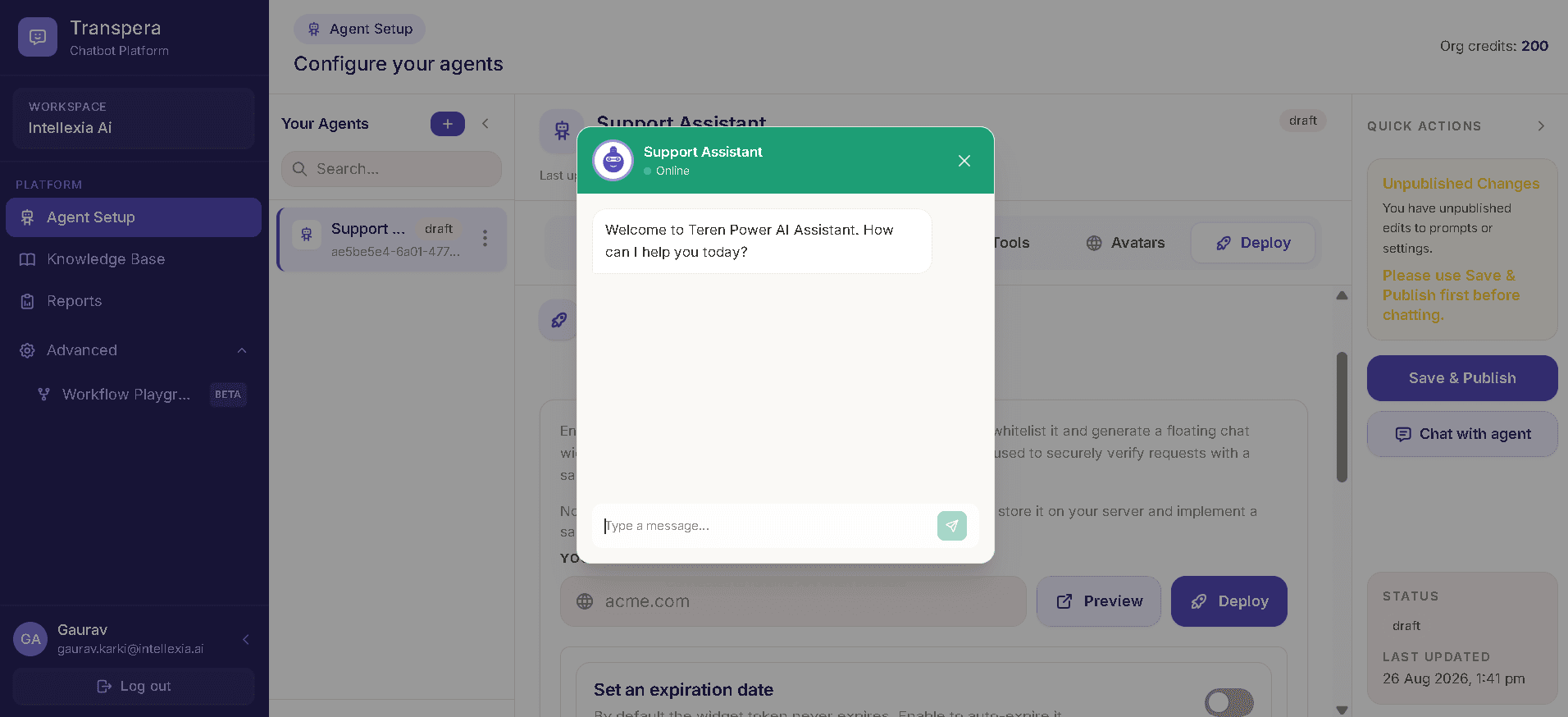
Validate
Test conversations before customers see them
Chat with your agent inside the platform, iterate on prompts and publish only when the experience is right.
- Built-in chat playground
- Unpublished change warnings
- Voice when session config allows
From sign-in to live widget
A streamlined flow designed for teams that want to move fast without skipping validation.
- 1
Sign in
Authenticate through the platform's sign-in flow.
- 2
Create workspace
Create an organization workspace before managing agents.
- 3
Configure agent
Set identity, prompts and available agent configuration areas.
- 4
Add knowledge
Create a knowledge base and add documents for grounded responses.
- 5
Configure capabilities
Configure the available LLM, Memory, Tools and Avatars areas as required.
- 6
Test
Use Chat with agent to test the configured chatbot experience.
- 7
Save & publish
Publish configured changes before using the production chat/deployment flow.
- 8
Deploy & report
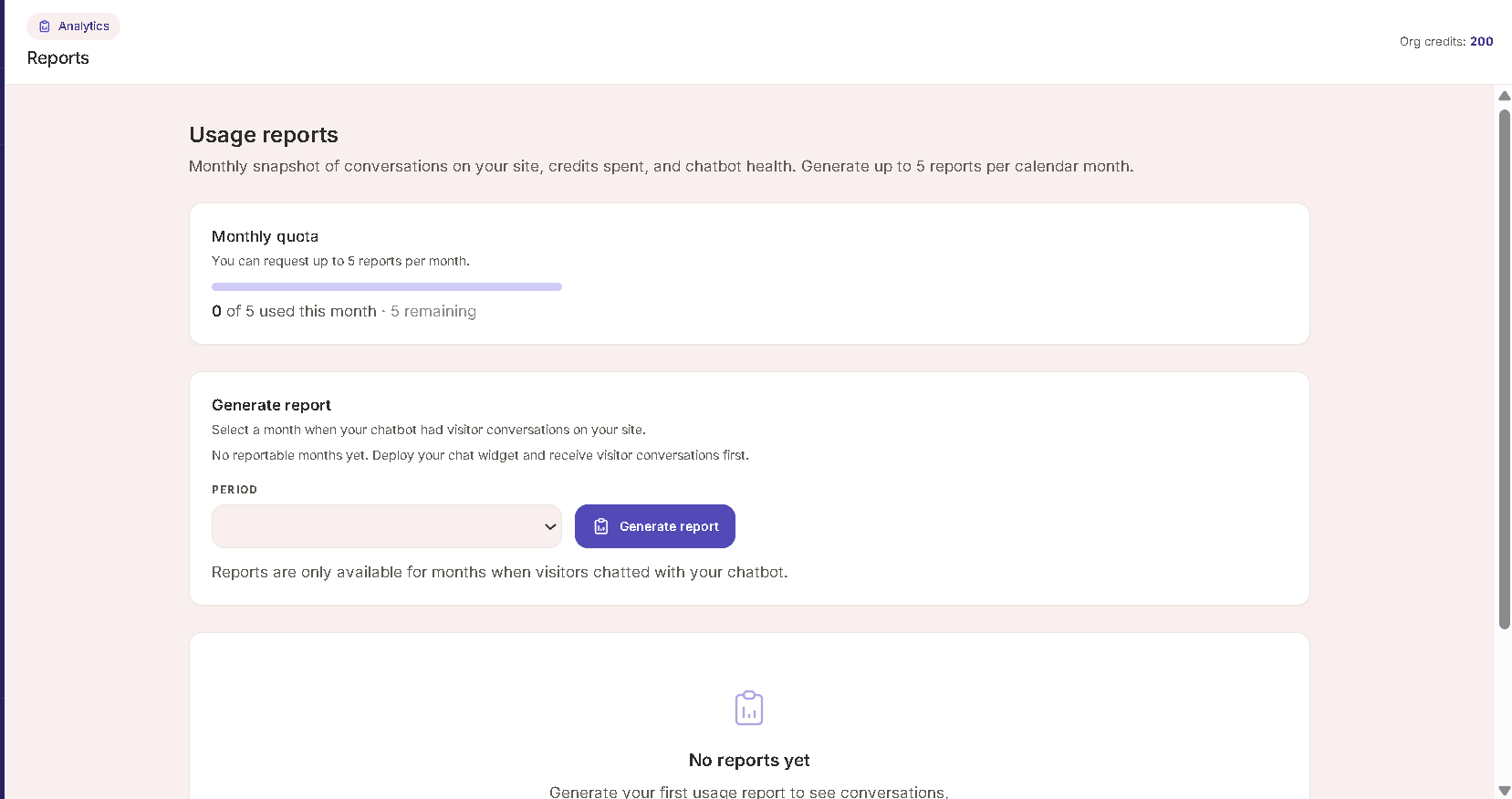
Whitelist a website, generate the widget snippet and later generate usage reports.
Deploy widgets without exposing secrets
Signed HMAC identity verification runs through a same-origin signing endpoint. Your signing secret never ships to the browser.
Questions, answered
Everything teams usually ask before rolling out a customer-facing chatbot.
Chatbot as a Service is Transpera's managed platform for configuring AI agents, connecting knowledge, testing them and deploying a website chatbot widget.
No. The deployment UI describes a server-side/same-origin signing endpoint and signed HMAC identity verification. The signing secret is not exposed in the browser.
A managed workspace for building and operating website AI chatbots.
Chatbot as a Service brings agent configuration, knowledge management, testing, website widget deployment and usage reporting into one application.